Brand
Two circles and a window.
Use these files and rules whenever you write or design about Assent.
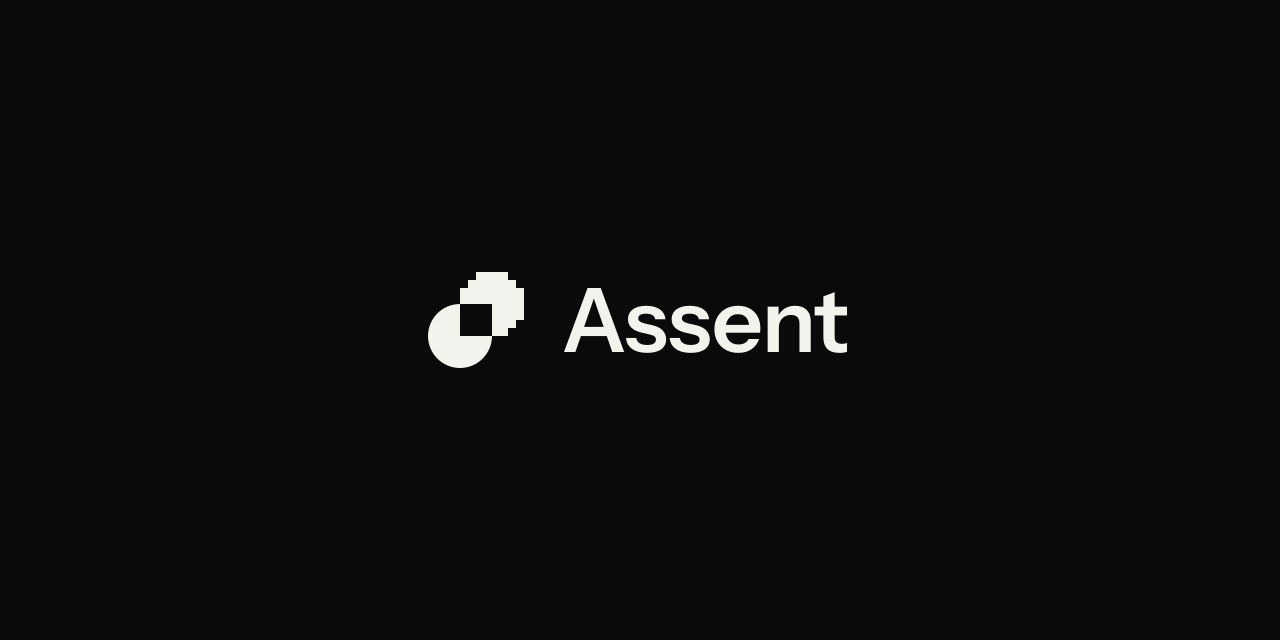
assent-logo-reversed.svgSymbol, reversedassent-symbol-reversed.svgTwo kinds, one decision.
The symbol draws a person and AI agents as two kinds of party: the same circle, once as a true curve and once in square cells. Where the circles overlap, one square is cut from both. That window is the decision where they meet: the person makes it, and the agents work within it.
- Both circles are four cells in radius on a grid of twelve.
- The agents keep the cells whose centres fall inside their circle, 39 once the window is cut; the person stays a true curve.
- Each gives up the quarter where they overlap, so the parts touch only at the window’s corners.
- One drawing serves every size: at 12, 24, 36 and 48 px every cell is a whole number of pixels.
- We mean the window as the decision a person makes; whether people read it that way has not yet been tested.
Do, and don’t.
Do
paper on dark ones
carbon on light backgrounds
- Set the logo in one colour: carbon on light backgrounds, paper on dark ones.
- One window on every side, a third of the logo’s height; two windows from text.
- Size the logo in steps of 12 px: 24 px in a header, and never under 24 px with the name or 12 px for the symbol.
- Print: at least 6 mm tall with the name, 3 mm for the symbol. To confirm on a printed proof.
- Write the name as Assent, with one capital.
Don’t
Stretch
give them different colours
add effects to it
busy patterns
- Round off the agents’ cells, or break the person’s circle into cells.
- Fill the window, move the two parts apart, or give them different colours.
- Stretch, rotate or flip the logo, animate it, or add effects to it: gradients, glows, shadows or outlines.
- Retype the name in any font, Instrument Sans included: use the files.
- Write ASSENT, assent.ai or Assent AI.
- Place the logo on photographs or busy patterns.
Logo files
Screen
- LogoIn carbon, for paper and light backgroundsassent-logo.svg
- Logo, reversedIn paper, for carbon and dark backgroundsassent-logo-reversed.svg
- SymbolWhere the name already appears, or space is tightassent-symbol.svg
- Symbol, reversedThe same, on dark backgroundsassent-symbol-reversed.svg
- App tileAvatars and app icons: the paper symbol on the carbon tileassent-app-tile.svg


Profiles and previews


Documents and email
- Email signatureOn carbon, so it shows in light and dark mail; set it 122 × 40 pxPNG
- Logo for light backgroundsTransparent, for documents and slides; set it a quarter of its pixel height96 px384 px
- Logo for dark backgroundsTransparent, for documents and slides; set it a quarter of its pixel height96 px384 px